Feature Focus: 4 updates to help build your audience on Spotify
April 18, 2025
Discover the latest tools designed to grow your podcast audience, from comment reactions to short-form clips and more.
Expand for key takeaways:
Today, we're bringing you a new series where we highlight some recent feature launches on Spotify for Creators. For this installment, we're focused on tools that help you build your audience and stand out on and off Spotify. From new ways to engage existing fans to promotional tools to help new audiences find your podcast, we’re continuing to add to your toolkit and fueling your growth on Spotify. Let’s recap the latest updates.
No items found.
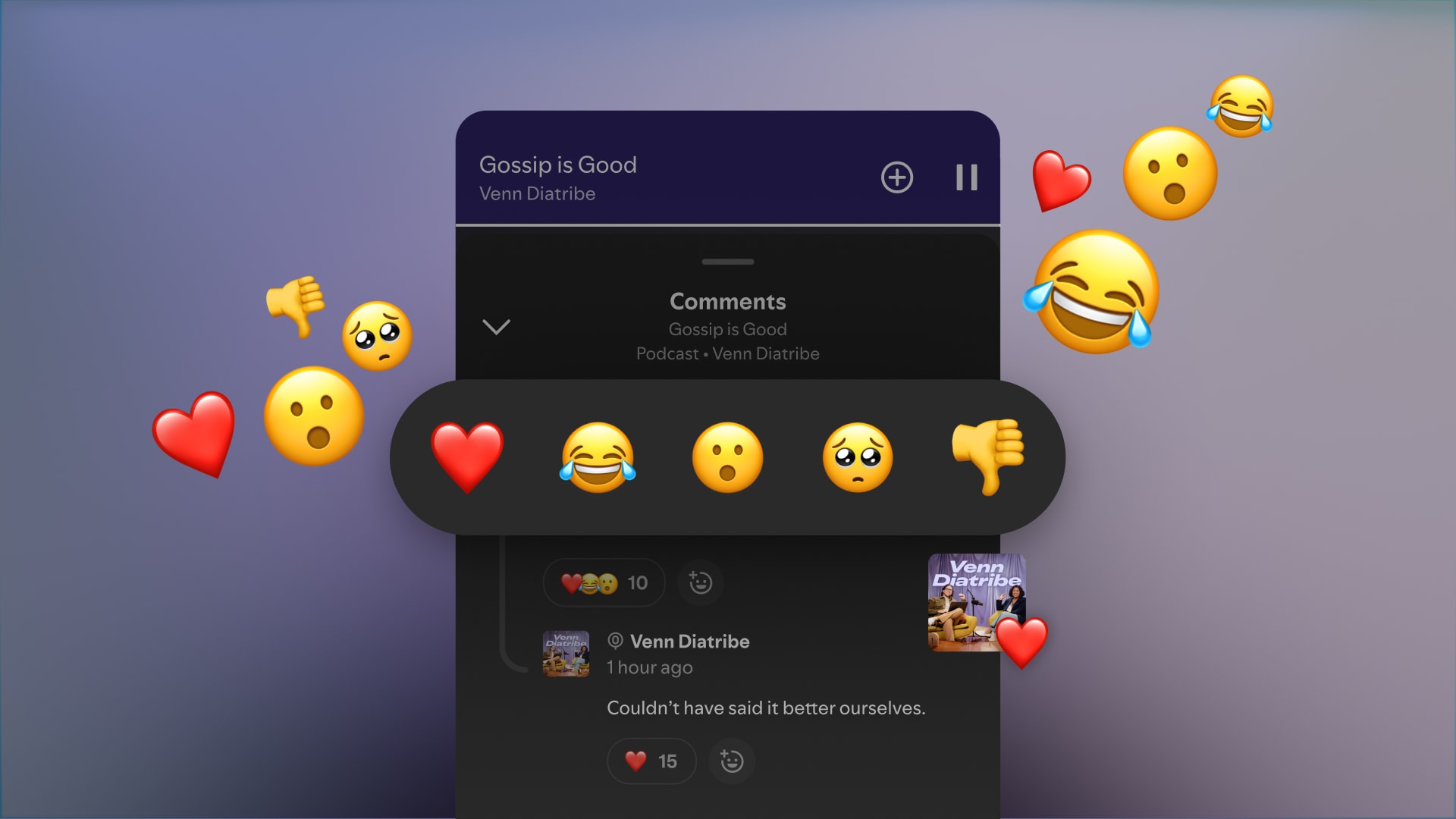
Build your community in the comments—now with reactions available!
Engaging in the comments is one of the most powerful ways to build a loyal fan community. And now that creators and listeners can react to comments on Spotify, it’s even easier to join in on the conversation and see which comments are resonating with your audience. When you react to a comment, your cover art will be prominently displayed and the original poster will get notified—turning a small moment into a meaningful connection that keeps fans coming back. It’s a simple, authentic way to show appreciation and spark more conversation around your show.
To learn more, see how Dope as Usual and Serialously with Annie Elise are using comments to build their fan communities on Spotify.
Increase your show’s discoverability on Spotify with short-form content
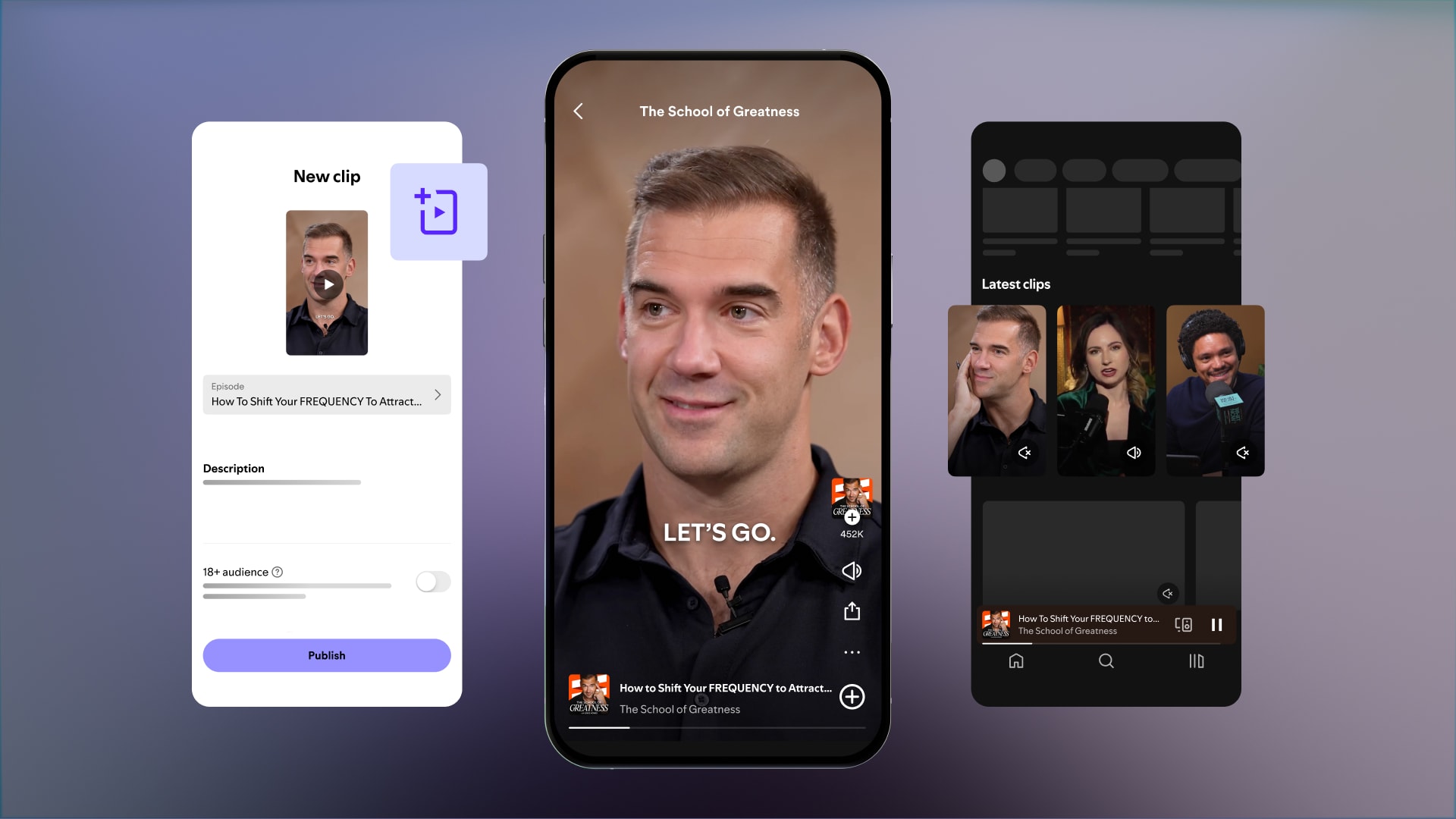
Our recent updates to clips and chapters can help you get discovered on the same app where fans are already tuning in to their favorite shows. Clips and chapters can be recommended to potential new audiences across key surfaces on Spotify like the Home and Podcast feeds, Search, and more.
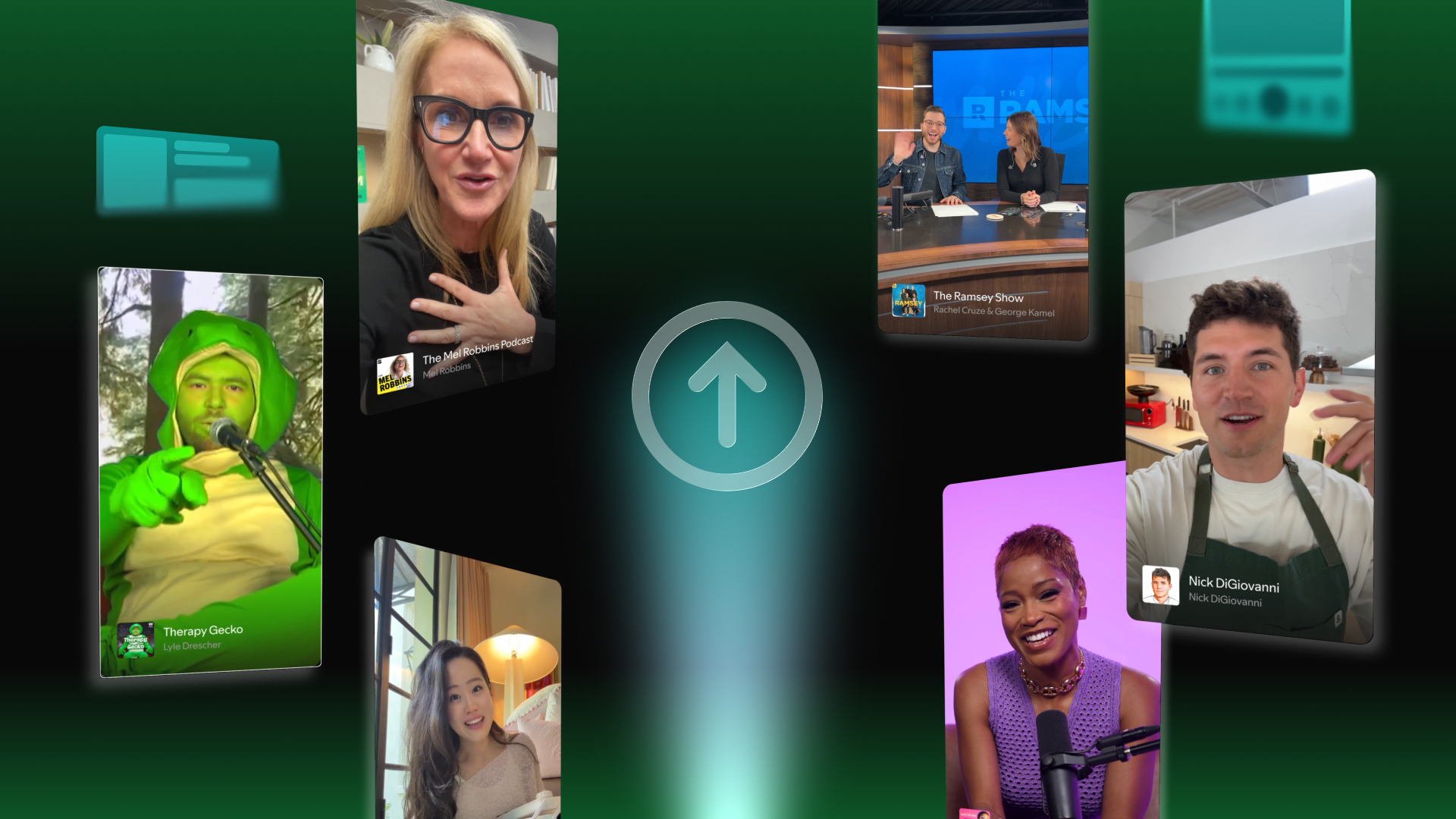
We recently expanded clips to over 100+ markets, and made it even easier to get your short-form content on Spotify with upload now available on the Spotify for Creators mobile app. These vertical video clips can be the same ones you create for social media and help drive people to your full length episodes.
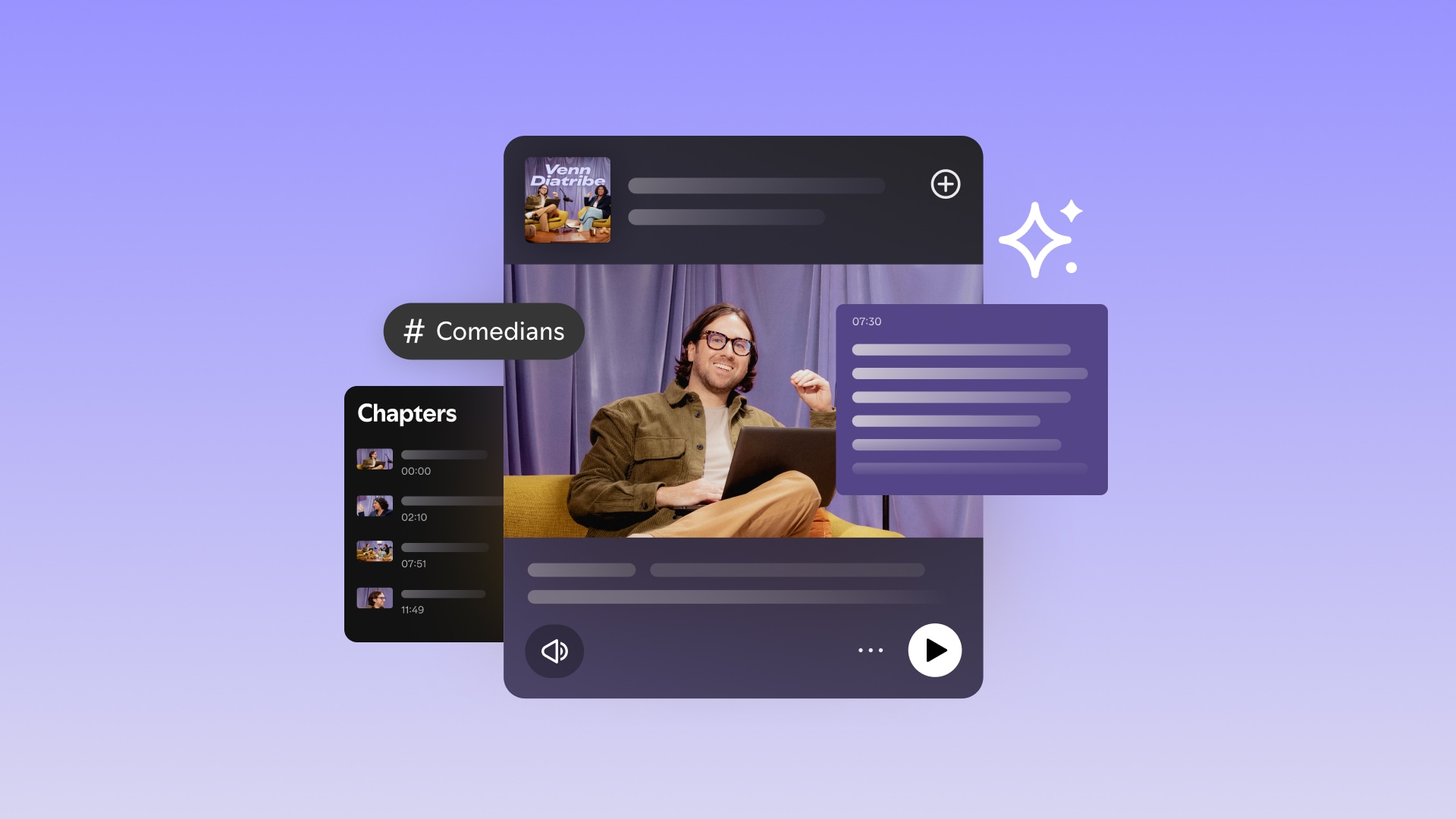
Chapters are shorter segments of your show that Spotify may create on your behalf, or which you can manually add to your episodes. To help save you time, we may auto-generate chapters based on the key topics discussed in every episode. But we now allow you to edit these chapter titles and timestamps to reflect how you want them to appear on Spotify (currently available for select creators). By creating distinct and topical segments from each episode, we can serve more relevant recommendations to potential fans who already have expressed interest in similar topics.
To learn more, see how School of Greatness and Heart Starts Pounding are leveraging clips to drive discovery on Spotify.
See trending content with our latest chart
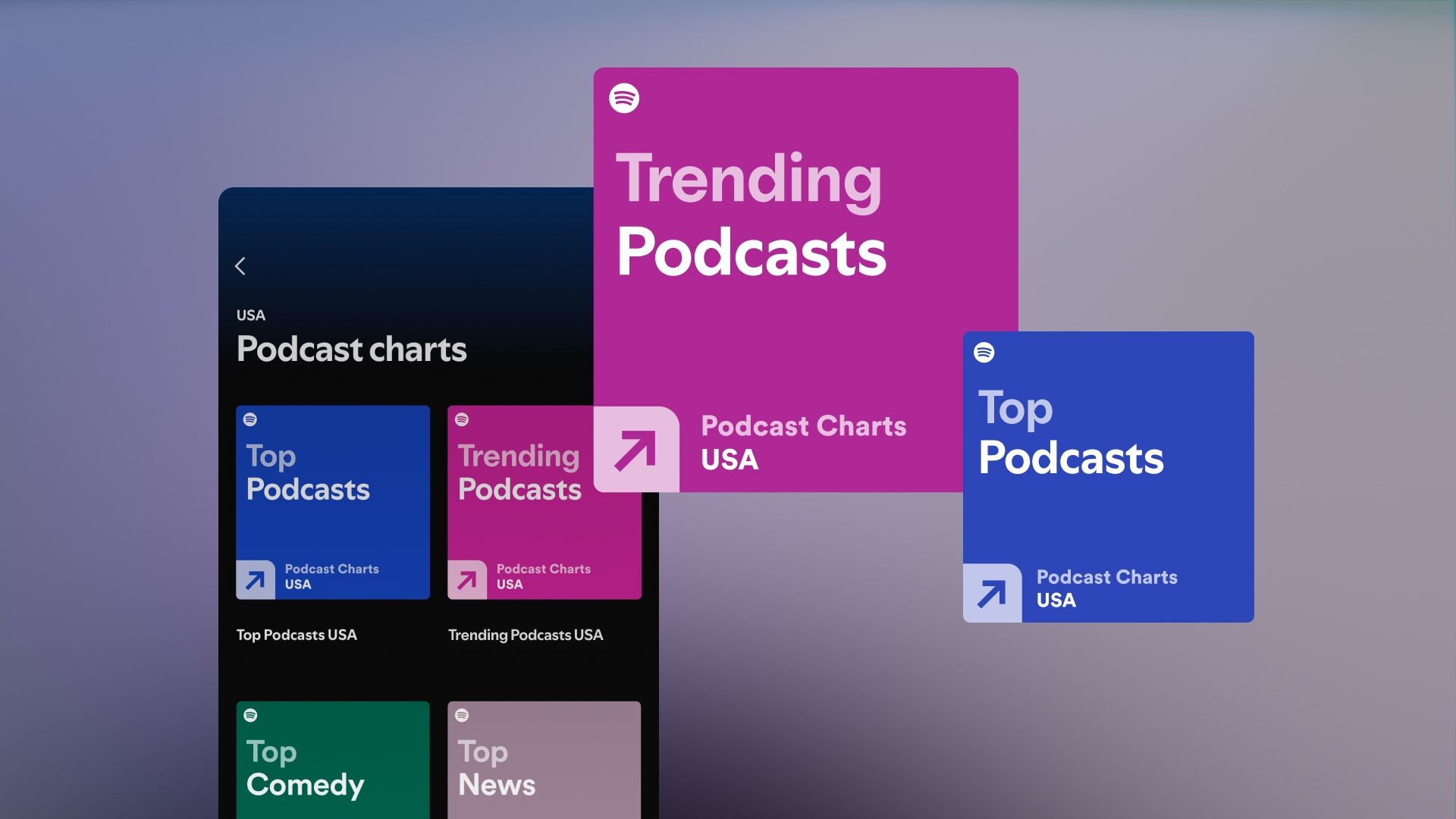
We’ve introduced a new Trending Podcasts chart—designed to spotlight the shows that are getting people talking right now. This new chart gives listeners a way to discover rising stars and trending familiar favorites, while celebrating the creators that are shaping the conversations of the day. Alongside that, we’re also evolving the methodology behind our Top Podcasts chart to better reflect the most popular shows on Spotify each day based on unique streams. These changes will help give creators and fans alike two powerful ways to understand what’s resonating across the platform.
Use shareable links to optimize your social media strategy
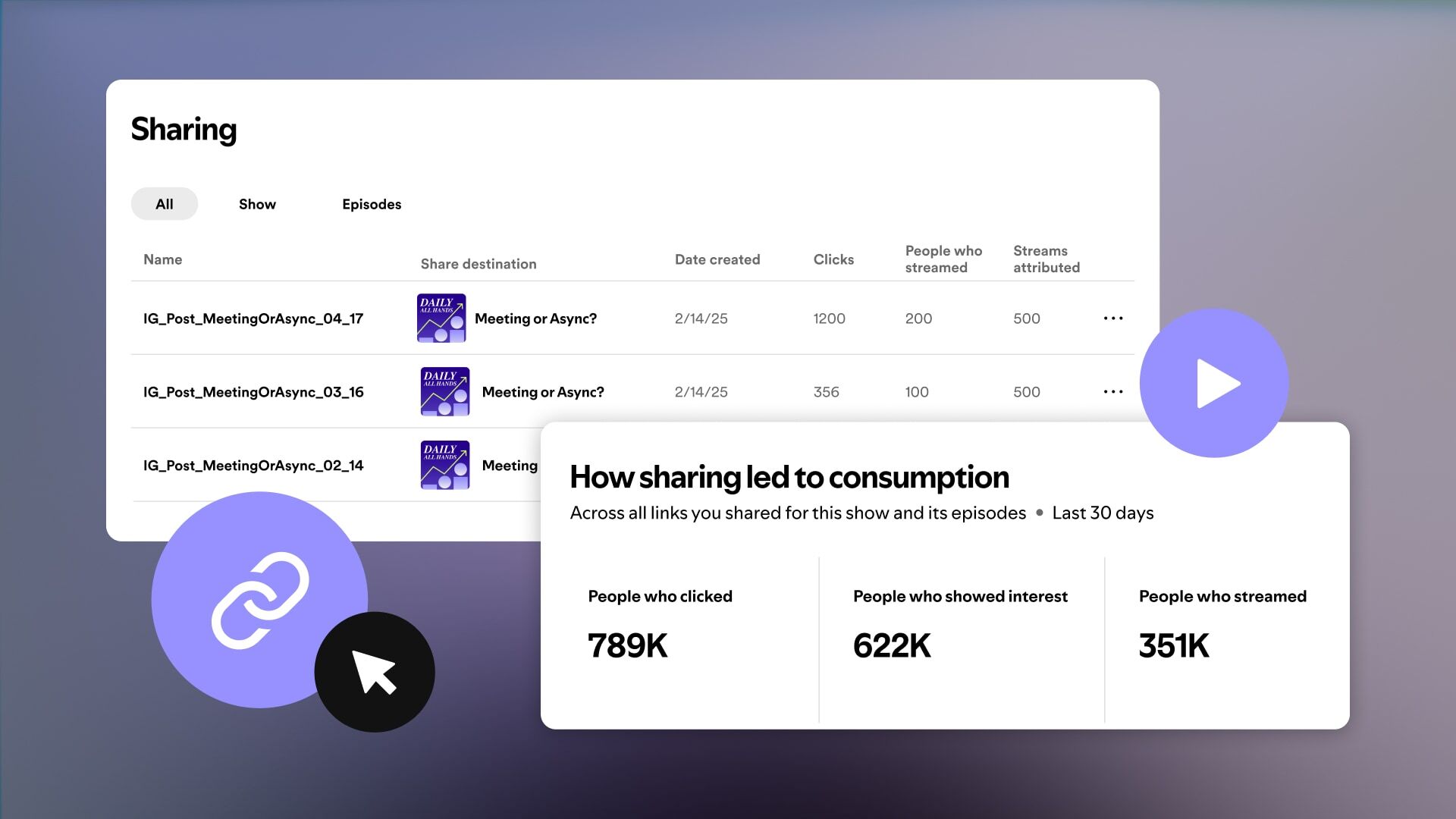
Promoting your podcast on social media is key to growing your show, and Spotify’s shareable links make it easier to measure how well your promotional tactics are working.
You can now create custom links for your full show or specific episodes, and use them to track how many users clicked through, showed interest, and actually streamed your content. You can generate as many as you want, and we recommend making unique links for each platform you’re posting on—like TikTok, LinkedIn, Instagram, or wherever your community lives. You can also drop these links into your bio or any link aggregator tool to give fans an easy way to listen or watch on Spotify. Once your links are out in the world, keep an eye on how they’re performing with data on clicks and streams across all your links and for each one individually.
To learn more, see how Diary of a CEO is using shareable links to optimize their promotional strategy.





%20(1).jpg)


.jpg)

