Learn how Spotify is helping you attract new audiences and assess growth, from first play to loyal fan.
Expand for key takeaways:
UPDATE OCTOBER 6, 2025: After testing with a select group of users, we’re now expanding podcast episode play count milestones more broadly across the Spotify app.
__
UPDATE MAY 16, 2025: Last week, we introduced plays as a key metric to help creators benchmark their performance and understand which content is attracting the most fans on Spotify. We’re continuing to iterate on this product and in the coming weeks, we’ll be evolving what audiences see across the Spotify app.
What's new:
Play counts will be presented to Spotify users as incremental milestone markers once an episode reaches 50k plays. Until an episode reaches 50k plays, no markers, including play counts, will be visible on the episode. Once 50K plays are reached, the plays indicator on your episode will automatically be updated to the next milestone: 50K, 100K, and so on, as the episode continues to grow.
What's not changing:
Exact play counts will remain visible to all creators and publishers in your analytics dashboards on Spotify for Creators and Megaphone - no matter how many plays an episode has received.
Plays tell you how many times people actively tried your content, and we’ve found they are the most accurate indicator of engagement and episode popularity on Spotify.
Streams and downloads are also still available in Spotify for Creators and Megaphone. Both of these metrics are counted after 60 seconds of engagement so you have a consistent way to think about your audience both on and off Spotify.
We plan to roll this newly evolved version of play counts over the coming week. This update reflects our evolving efforts to provide the best insights for creators and a clear experience for their fans. We’re excited for creators to have more ways to measure and celebrate their growth on Spotify. Continue reading to get the full picture on plays and the latest changes.
__
It should be simple for fans to find their next favorite podcast episode. Starting this week, Spotify is introducing a new way for audiences to see what's popular with the arrival of plays. This metric reflects the total number of times people have actively listened to or watched an episode, and will be visible in the Spotify app on episodes with more than 50K plays to help audiences decide which episode to choose.
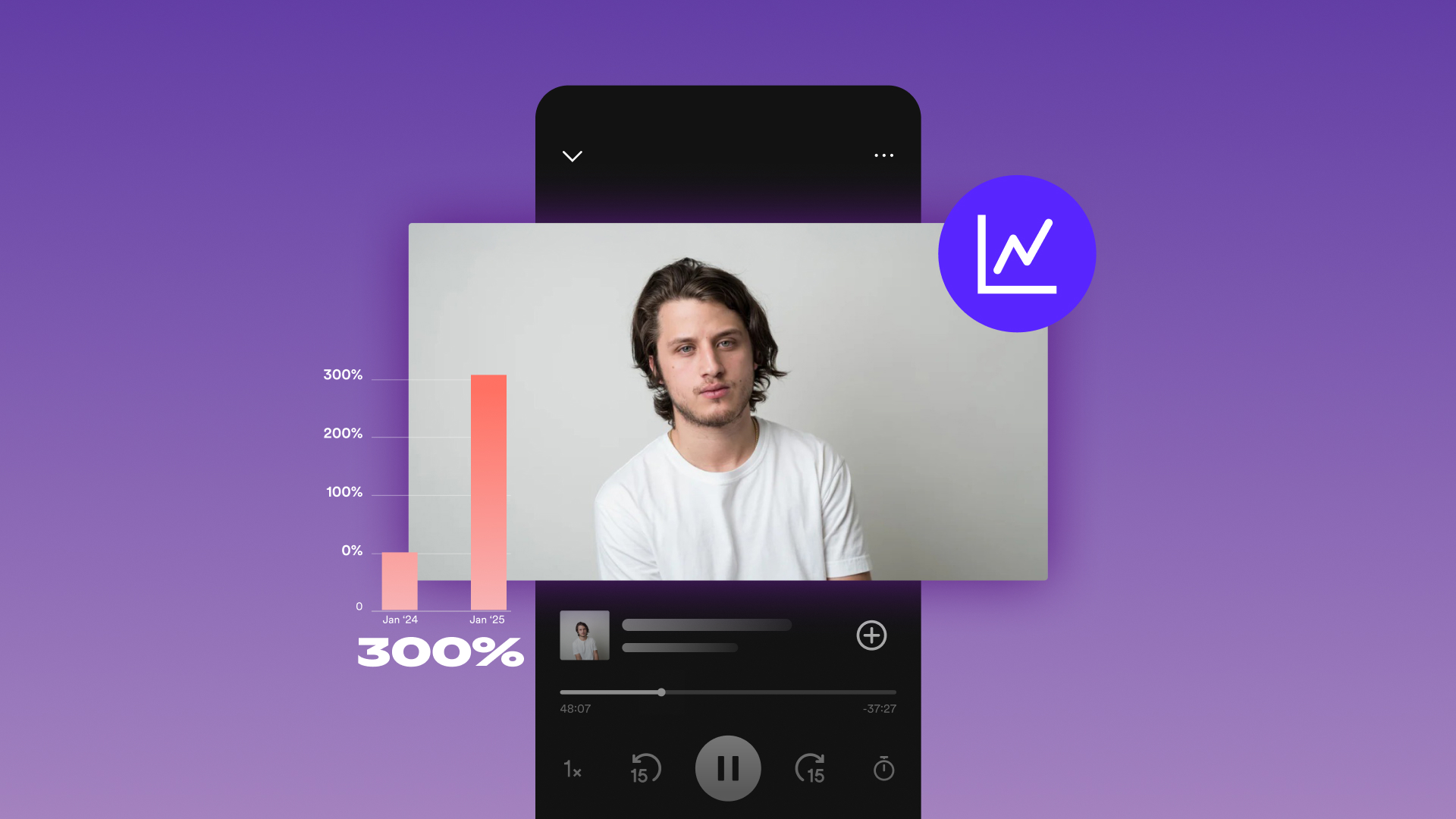
For creators and publishers, plays can help attract new audiences to your show, and will give you visibility into what content is resonating most with audiences so you can optimize for success. You will be able to track plays, alongside your existing performance metrics, within your Spotify for Creators and Megaphone dashboards.
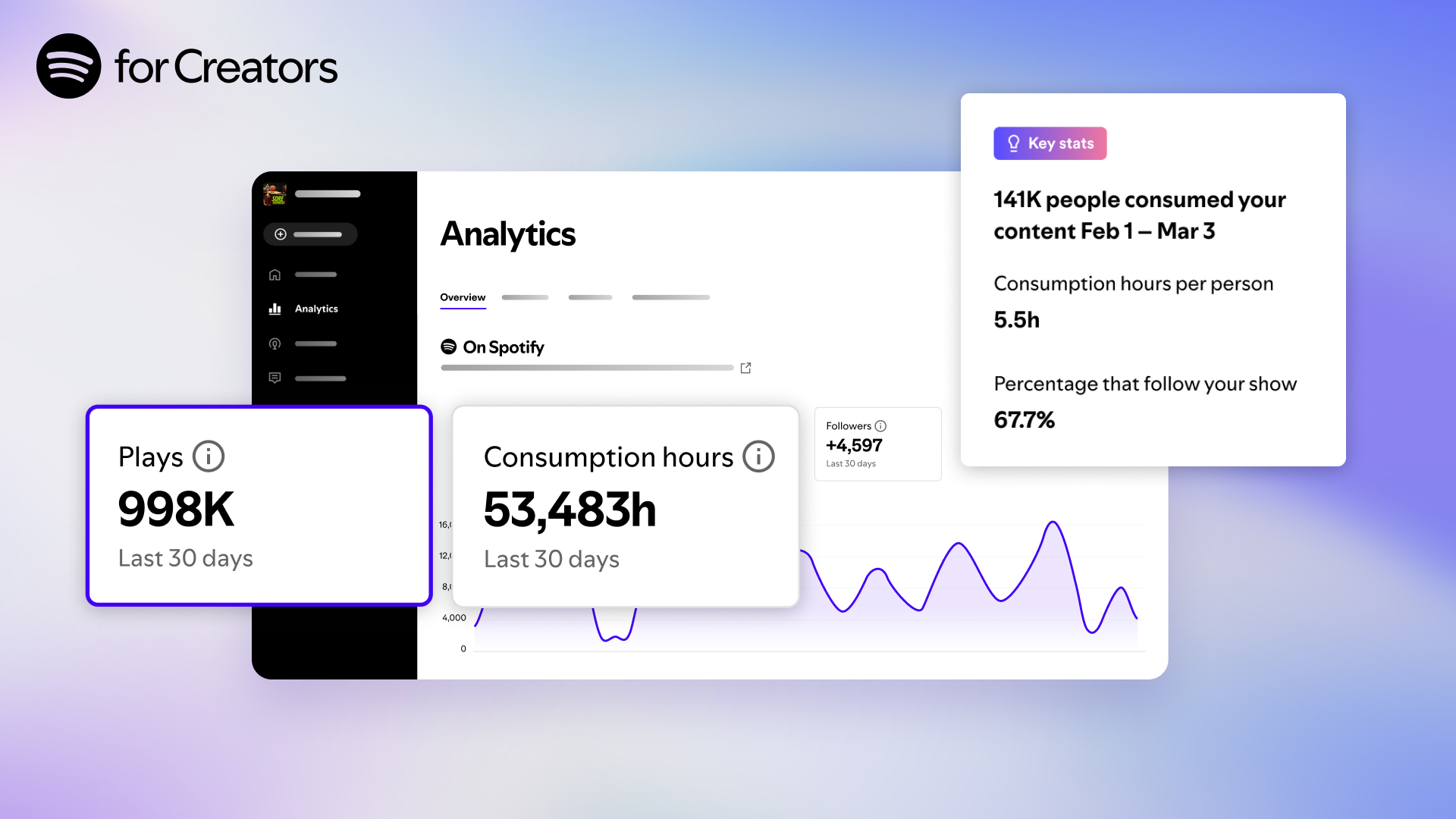
We are also expanding access to consumption hour metrics to everyone, no matter where your show is hosted. While plays help you understand the scale of your audience, consumption hours show you how long your fans are sticking with you, giving you deeper insight into the scale and depth of your audience.
What exactly are plays?
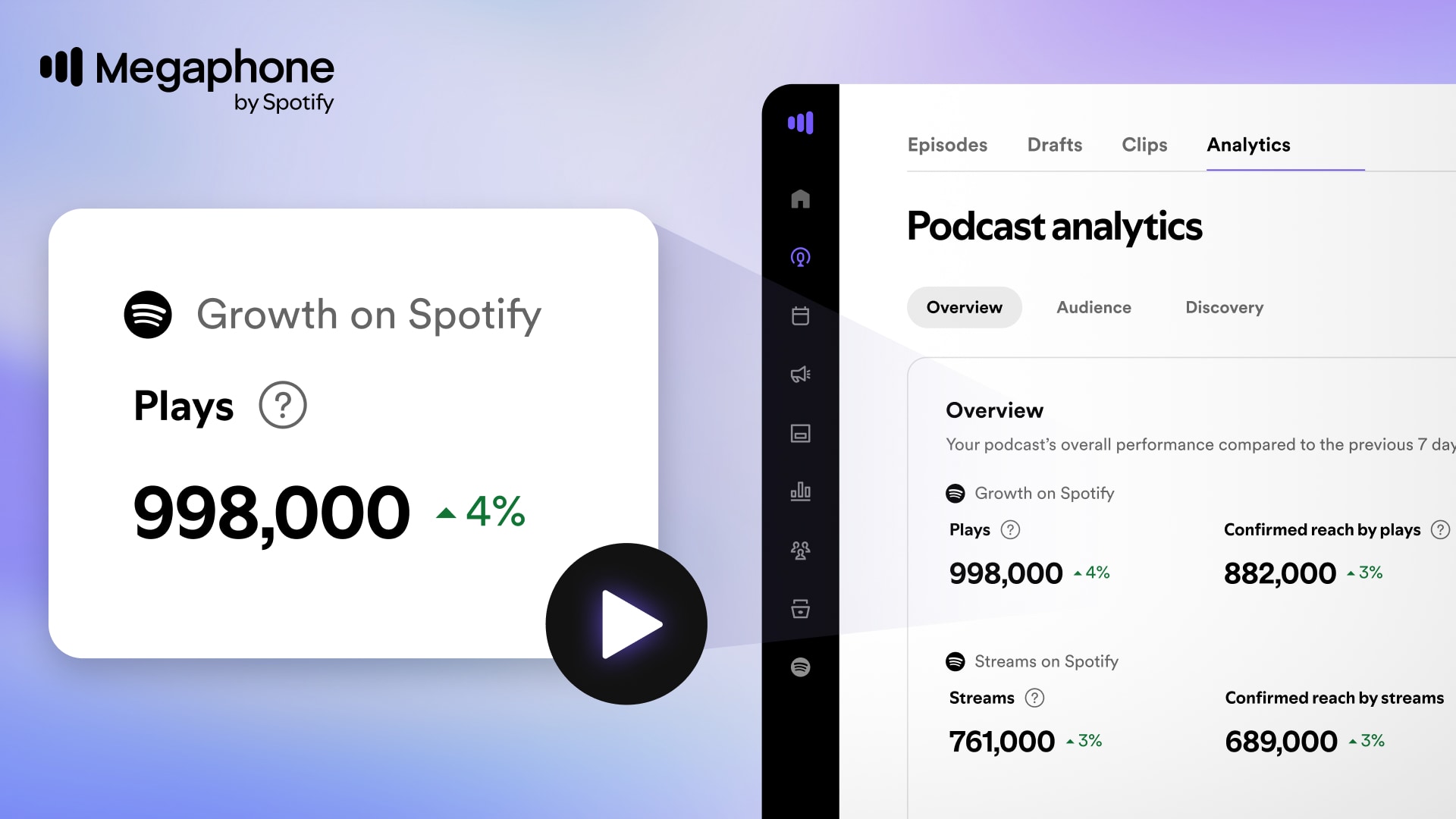
Plays are a new metric that reflects the number of times people have actively watched or listened to any episode in your catalog. This count refers to episode plays only, as plays from clips or previews will not count towards episode plays. Creators and publishers using Spotify for Creators or Megaphone will now have access to this new streamlined metric in their dashboards.
Note that plays are not the same as impressions or discovery events, which are available respectively in Spotify for Creators and Megaphone. Impressions/discovery events reflect any time a user saw an episode in the app, but may not have actively watched or listened to it.
Play counts will be presented to Spotify users as incremental milestone markers once an episode reaches 50k plays. Until an episode reaches 50k plays, no markers, including play counts, will be visible on the episode. Once 50K plays are reached, the plays indicator on your episode will automatically be updated to the next milestone: 50K, 100K, and so on, as the episode continues to grow.
What you'll see in Spotify for Creators
We're bringing these valuable metrics directly to your Spotify for Creators dashboard, no matter where your show is hosted, streamlining how you understand your audience engagement on Spotify for all shows.
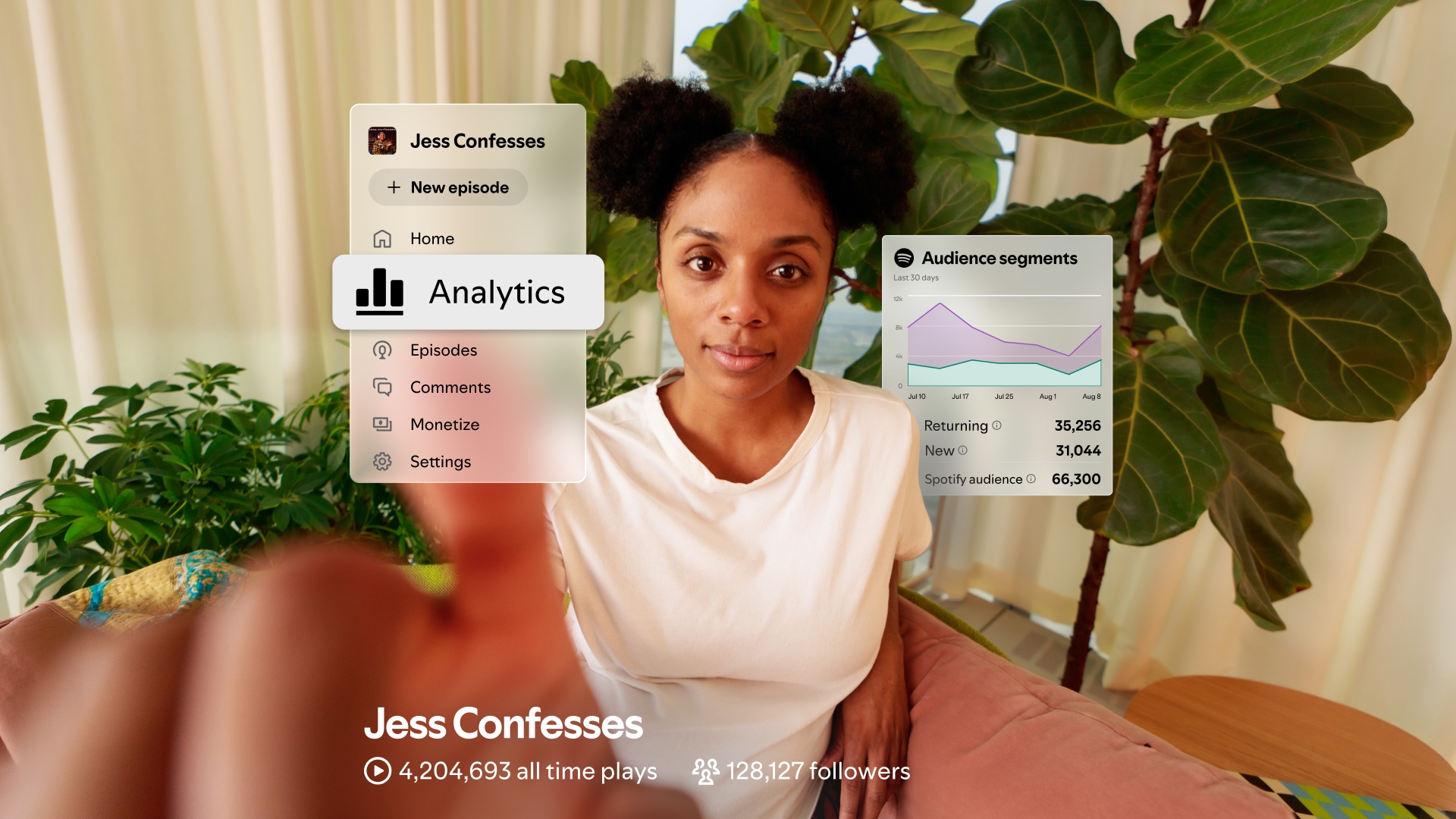
Plays front and center: You'll now see plays as a key metric on your home dashboard, show overview, and individual episode analytics pages. This will give you an immediate snapshot of how your content is performing.
Consumption hour metrics: Consumption hours and consumption hours by user will now be available in your home dashboard and discovery analytics page.
All platform consumption: Consumption across all platforms will still be visible as the streams & downloads metric within the analytics and episode pages
Streams are still available: Streams are defined by at least 60 seconds of engagement to keep consistency with broader podcast advertising standards and are still available to review in Spotify for Creators. If you’re a part of the Spotify Partner Program, you will see your stream count in the monetization page. For all other creators, you can export streams via CSV on the analytics page.
Monetization is not changing: Streams will also remain relevant in determining Spotify Partner Program eligibility and payouts.
Head to your Spotify for Creators dashboard to see plays, consumption hours and more.
What you’ll see in Megaphone
For our publishers using Megaphone, you'll also see plays integrated into your dashboards for both audio-only and video shows.
Monetization is not changing: Monetization will continue to operate on a streams and download basis in order to remain consistent with the broader podcast advertising standards. Plays are an additional metric to understand your total audience on Spotify, not replacing any existing stats you and your advertisers rely on today.
Episode-level plays: You can find the total number of plays for each episode within your episode overview tab in Megaphone.
Show-level plays: We'll also be rolling out total play counts at the show level in your Megaphone show analytics tab over the coming weeks.
Consumption hour metrics: This metric will be available in Megaphone for hosted shows that have uploaded video. For now, audio shows can head to Spotify for Creators to see their consumption hour metrics.
What’s staying the same: Megaphone will continue to display the streams metric alongside plays in all reporting surfaces where plays are included.
Spotify is the best place for creators to connect with their most dedicated fans, which is why we're incredibly excited to bring you these insights and help you tap into Spotify’s loyal audiences. Stay tuned as we continue to iterate and introduce new metrics to creators.
How you can earn for your episodes with the Spotify Partner Program
Spotify Partner Program Table
Streaming by
Video episodes on Spotify
Audio episodes
Spotify Premium subscribers in select markets*
Premium video revenue
Ad revenue
Spotify Premium subscribers in other markets
Ad revenue
Ad revenue
Spotify Free listeners
Ad revenue
Ad revenue
Listeners off Spotify
N/A
Ad revenue
Thank you! Your submission has been received!
Oops! Something went wrong while submitting the form.