Discover the all-new Spotify for Creators mobile app
July 9, 2024
Now all creators can get comments on their episodes, see important performance updates in real time, and manage their shows on the go.
Expand for key takeaways:
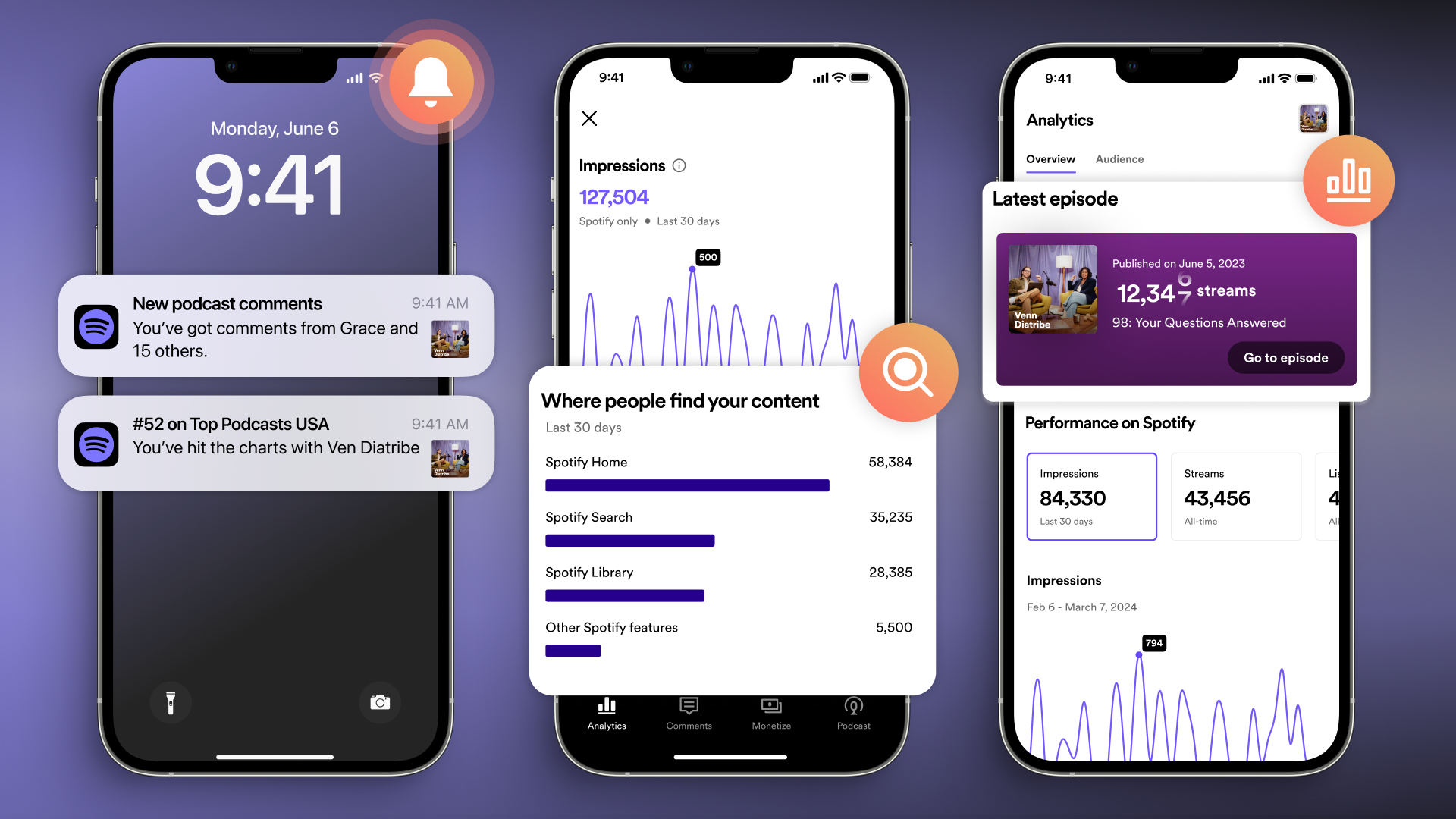
We’re thrilled to announce the completely revamped Spotify for Creators mobile app, with exciting new features and updates. Easily track key stats, get notified when you're added to Spotify charts, and manage, like, and reply to comments—a brand new way to interact with your fans on Spotify. Our app also now supports all podcasts, which means every creator has access to powerful tools, no matter where their show is hosted. Read on for more details, and get the app now to experience it first-hand.
Available to all creators, wherever their shows are hosted
Since day one, the Spotify for Creators mobile app has helped creators who are hosted with us manage their shows anytime, anywhere. Now, we’re expanding access of our mobile features to all creators, regardless of where their show is hosted, giving everyone the flexibility to engage fans and grow their show on the world’s largest listening platform at any moment.
No matter what hosting platform you're using to distribute your podcast, you can now use the app to:
Get notified when you receive new comments on Spotify, then like and reply directly to your fans (more on this below)
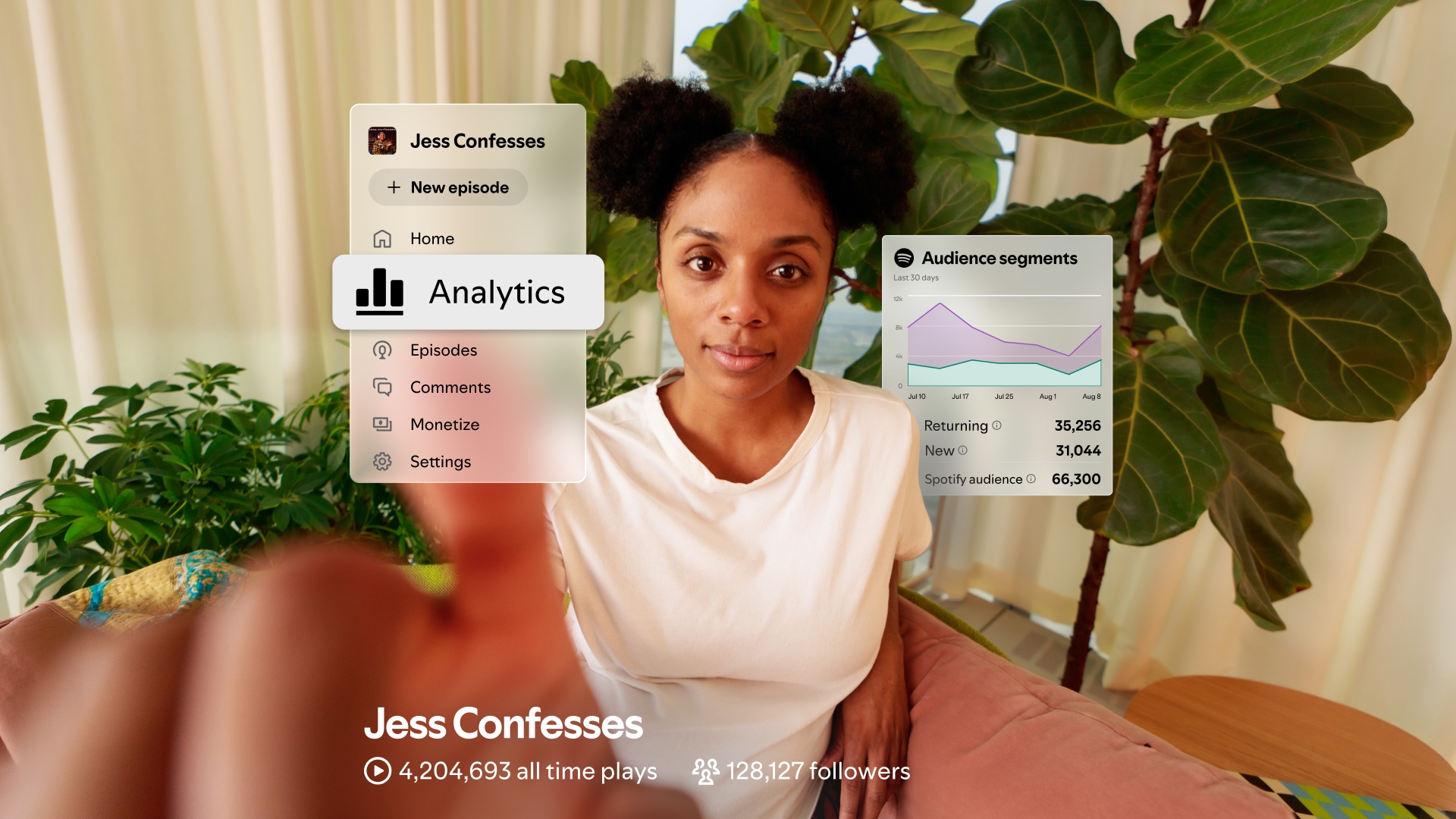
See detailed analytics for your show that allow you to track how your latest episode is performing, see where on Spotify you’re being discovered, and get audience insights so you know who’s tuning in—all in one place
Receive notifications when you hit major milestones, land on Spotify charts, and more, so you never miss a moment
Manage how your show appears on Spotify
Easily access and receive notifications for all of your podcasts without logging out
I find myself checking the Spotify for Podcasters mobile app a few times a day because it's the easiest way for me to keep up with my audience, respond to new comments, and track how my show is doing - especially when I'm away from my computer.
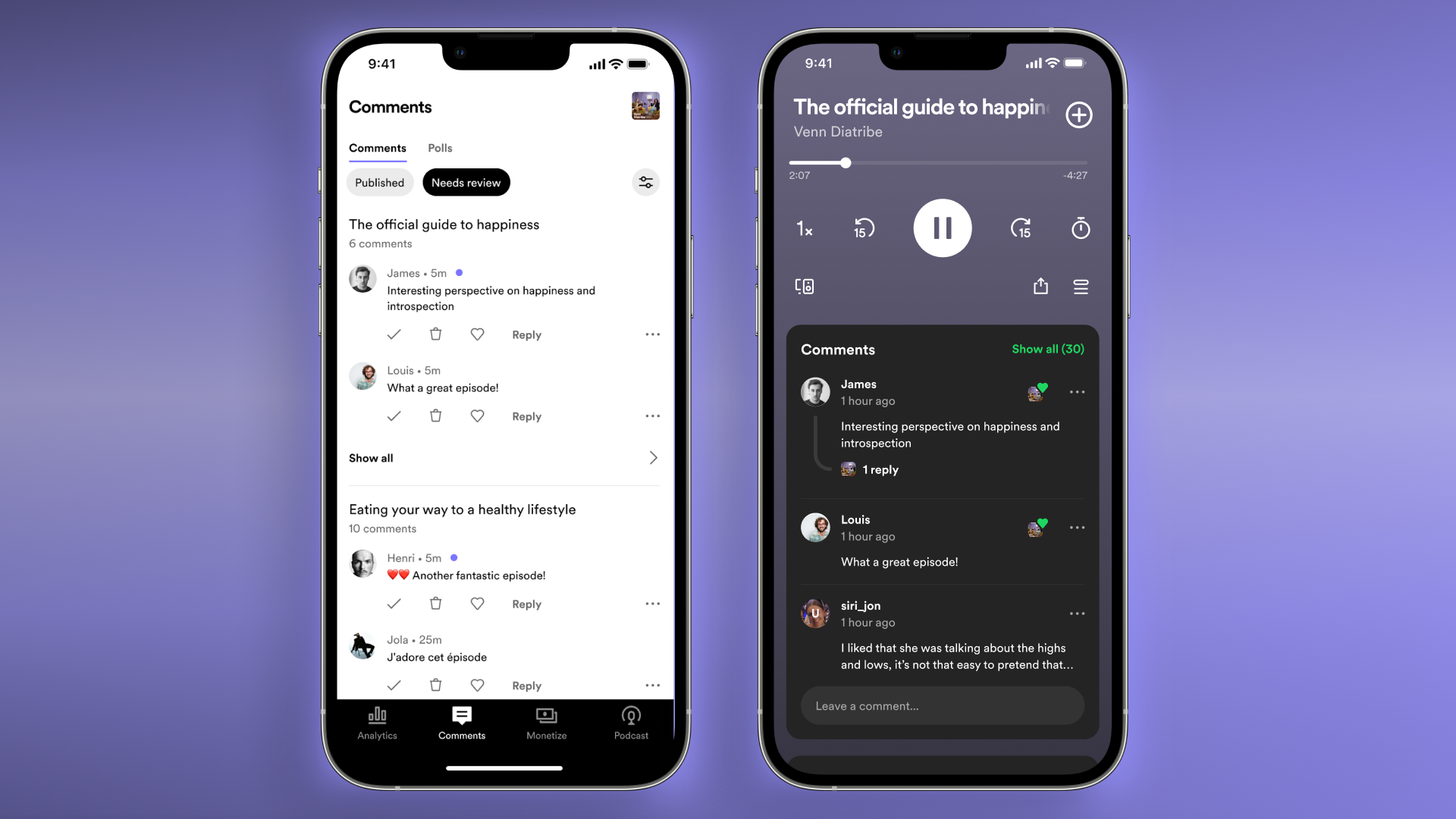
Your fans are the beating heart of your show. That’s why we launched our Q&A feature back in 2021, giving them a way to interact with you and answer any questions you posed. Since then we’ve seen that podcast listeners who interact consume more hours of your contentper month than those who don’t. Now, we’re excited to build on that; based on your feedback we are evolving Q&A into comments on Spotify, so it’s easier for your fans to engage. You can also now like your favorite comments and reply back to your listeners, helping you build an even stronger relationship with your fan base on Spotify.
We’re beginning to roll out comments to all Spotify shows and users starting today. Listeners will be able to leave a comment on the Spotify mobile app, while creators can manage feedback both on the all-new Spotify for Creators mobile app and on web. When you like or respond to a comment, that fan will receive a notification, helping keep your audience engaged where they're already listening.
As a podcast focused on the lessons we can learn from history's greatest leaders, I'm always curious which takeaways resonate most with my audience. Comments on Spotify provide me that invaluable feedback, which makes creating my podcast that much more rewarding and allows me to build a stronger connection with my listeners.
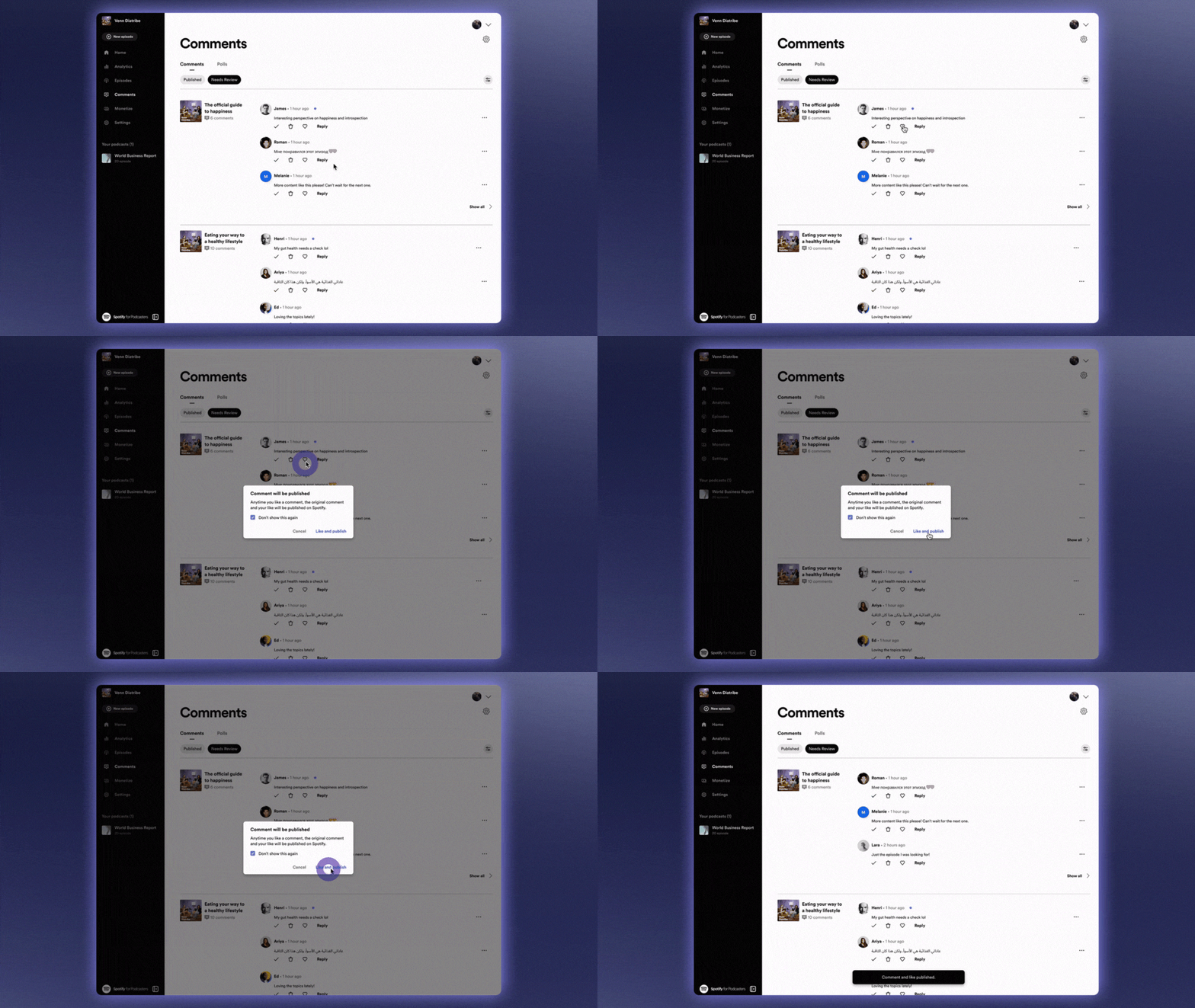
You’ve built a loyal following on Spotify by creating content that your fans love. That’s why we’re giving you full control over your comments section, so you can curate it in a way that reflects the community you’ve been building. Choose which comments appear live on your episodes by managing them in the "Needs review" section of the Comments tab. Don't want comments on a specific episode, or your entire show? You can disable the feature at any time. We’ll also be introducing ways for comments that meet our content guidelines to automatically appear on your episodes. Stay tuned to find out more!
The Comments tab is your place to manage listener feedback, where you can:
Approve, like, and reply to comments that are ready for your review
See published comments sorted by your most recent episode
Delete or report comments and block users
Enable or disable comments for your entire show or specific episodes
As we introduce comments, we will also officially say goodbye to Q&A as it has existed so far. But don’t worry—your existing Q&A replies will not disappear. Learn more here.
Try out the new Spotify for Creators
We can’t wait for you to give our new app a try! As always, get in touch with any feedback you have via our help center or on social media. We’re looking forward to continuing to improve our mobile experience and bringing you more exciting features later this year.
Image Links
How you can earn for your episodes with the Spotify Partner Program
Spotify Partner Program Table
Streaming by
Video episodes on Spotify
Audio episodes
Spotify Premium subscribers in select markets*
Premium video revenue
Ad revenue
Spotify Premium subscribers in other markets
Ad revenue
Ad revenue
Spotify Free listeners
Ad revenue
Ad revenue
Listeners off Spotify
N/A
Ad revenue
Thank you! Your submission has been received!
Oops! Something went wrong while submitting the form.